Smart Wi-Fi irrigation controllers offer real advantages: weather-based adjustments, remote control from your phone, alerts, and easy programming. But those features depend on a reliable internet connection. When a controller keeps dropping offline, it may fall back to a basic schedule, miss weather skips, or stop sending alerts, and you may not know until something goes wrong.
This guide explains why Wi-Fi controllers lose connection and how to keep them online.
What Happens When a Controller Goes Offline
Behavior varies by brand, but in general:
- Many smart controllers store the schedule locally and continue watering on the last saved schedule.
- Weather-based adjustments and rain skips that depend on internet data may stop.
- You cannot control or monitor the system from your phone.
- Alerts, such as flow or sensor alerts, may not reach you.
Dallas requires a working rain and freeze sensor on automatic systems, so a physical sensor remains important even with a smart controller. Our guide to rain and freeze sensors explains why.
Common Causes
Weak Signal
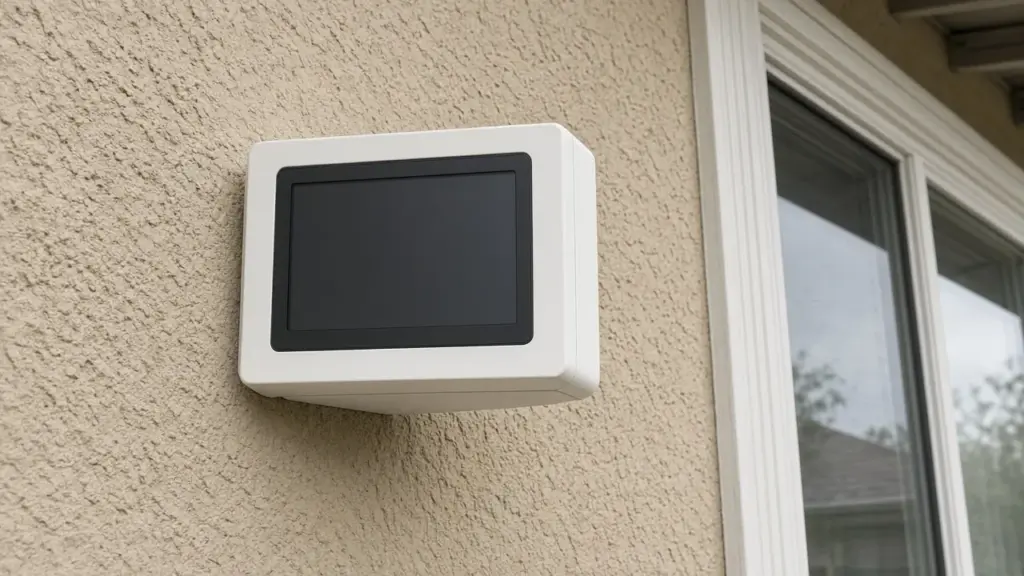
Controllers are often mounted in garages, on exterior walls, or in utility areas far from the router. Walls, garage doors, appliances, and metal surfaces weaken Wi-Fi signals. A weak signal may connect sometimes but drop frequently.
Check: Use your phone at the controller’s location to test signal strength. Many controller apps also show signal strength.
Fixes:
- Move the router closer or to a more central location
- Add a Wi-Fi extender or mesh network node near the garage
- Some controllers support external antennas or alternative connection options
Router Changes
Replacing a router, changing the network name, or changing the password disconnects the controller. It will not reconnect until you update its Wi-Fi settings.
Fix: Use the controller app to reconnect to the new network.
Frequency Band Issues
Many irrigation controllers connect only to 2.4 GHz networks. If your router combines 2.4 GHz and 5 GHz bands under one network name, or if 2.4 GHz is disabled, some controllers struggle to connect.
Fix: Check the controller’s requirements. Enable 2.4 GHz, or create a separate 2.4 GHz network name if needed.
Router Settings
Some router features, such as aggressive security settings, device limits, or band steering, can interfere with smart home devices.
Fix: Check router settings and make sure the controller is allowed on the network.
Power Interruptions
A controller that loses power will go offline. Storms, tripped GFCI outlets, and loose plugs are common culprits.
Check: Look at the controller display and confirm power. Reset GFCIs and breakers.
Our guide to a controller that lost its program after a power outage covers power recovery.
Heat
Garages in Dallas summers get very hot. Extreme heat can affect electronics, including Wi-Fi modules and routers. Check the manufacturer’s operating temperature range, and avoid mounting controllers in direct sun or near heat sources.
Firmware
Outdated firmware can cause connectivity problems. Most smart controllers update automatically when online, but a controller that stays offline may miss updates.
Fix: Once connected, check for updates in the app.
Brand-Specific Help
Each manufacturer has its own reconnection process. Our guide to Rachio smart controller setup covers one popular model. Other brands have support resources in their apps and on their websites.
Keep the Schedule Compliant Offline
Because an offline controller may run its last saved schedule, make sure that schedule follows Dallas rules:
- Automatic sprinklers limited to two assigned days per week: even addresses on Sundays and Thursdays, odd addresses on Wednesdays and Saturdays
- No sprinkler watering between 10 a.m. and 6 p.m. year-round
Our guide to a controller that waters on the wrong days helps verify settings.
Monitoring Connection Status
Many apps show when the controller was last online and can send notifications when it disconnects. Enable those notifications so you know promptly.
When to Consider Hardwiring or Relocating
If Wi-Fi remains unreliable, options include:
- Relocating the controller closer to the router, running longer valve wires if needed
- Adding a dedicated access point near the controller
- Choosing a controller with a different connectivity option
A Troubleshooting Checklist
- Confirm the controller has power
- Check Wi-Fi signal strength at the controller
- Confirm the network name and password have not changed
- Make sure the 2.4 GHz band is available if required
- Restart the router and controller
- Update firmware
- Add an extender or mesh node if signal is weak
Outdoor Controllers and Signal
Controllers mounted outside on a brick or stone wall face extra signal challenges. Masonry absorbs Wi-Fi signals, and metal enclosures block them further. If an outdoor controller drops offline often, check whether the enclosure is metal and whether the router is on the far side of the house. An outdoor-rated access point or mesh node aimed toward that side of the house often solves the problem. Keep in mind that signal can also change seasonally as trees leaf out or as new devices crowd the network.
Network Congestion
Homes today often have dozens of connected devices: phones, televisions, cameras, doorbells, thermostats, and appliances. Some routers struggle with many devices, particularly older models. If several smart home devices drop offline at the same times, the router may be the bottleneck. Restarting the router is a short-term fix; upgrading to a newer router or mesh system addresses the cause.
After Changing Internet Providers
Switching internet providers usually means a new router or gateway with a new network name and password. Make a list of every smart device that needs reconnecting, and include the irrigation controller. It is easy to forget because it sits in the garage and keeps watering on its last schedule. Weeks later, you may notice rain skips and seasonal adjustments have stopped.
Using the Controller Without Wi-Fi
Most smart controllers can be programmed at the unit or through a local connection when internet is down. Learn how to set a basic schedule and turn watering off at the controller itself, so you are not stuck if the app is unavailable. Our irrigation controller repair guide covers other controller issues and replacement options.
Check After Storms
Storms can knock out power and internet at the same time. After a storm, open the app and confirm the controller is online and the schedule is intact.
Guest Networks and Smart Devices
Some homeowners put smart home devices on a separate guest or IoT network for security. That can work well for irrigation controllers, but make sure the guest network allows the controller to reach the internet and that any setting that isolates devices does not block the app. If you change guest network passwords periodically, remember to update the controller.
Frequently Asked Questions
Why does my smart sprinkler controller keep going offline?
Weak Wi-Fi signal, router changes, frequency band issues, power interruptions, and heat are common causes.
Will my controller still water when offline?
Many smart controllers continue watering on the last saved schedule, but weather adjustments and remote control may stop.
Do smart controllers work on 5 GHz Wi-Fi?
Many irrigation controllers require 2.4 GHz. Check your controller’s specifications.
Do I still need a rain sensor with a smart controller?
Dallas requires a working rain and freeze sensor on automatic irrigation systems.
Get Help With Your Controller
We install and troubleshoot smart controllers and program them for Dallas rules. See our sprinkler repair service, or contact us to schedule.
Request Service or call 214-227-7444
We serve homes throughout Dallas and nearby North Texas communities.