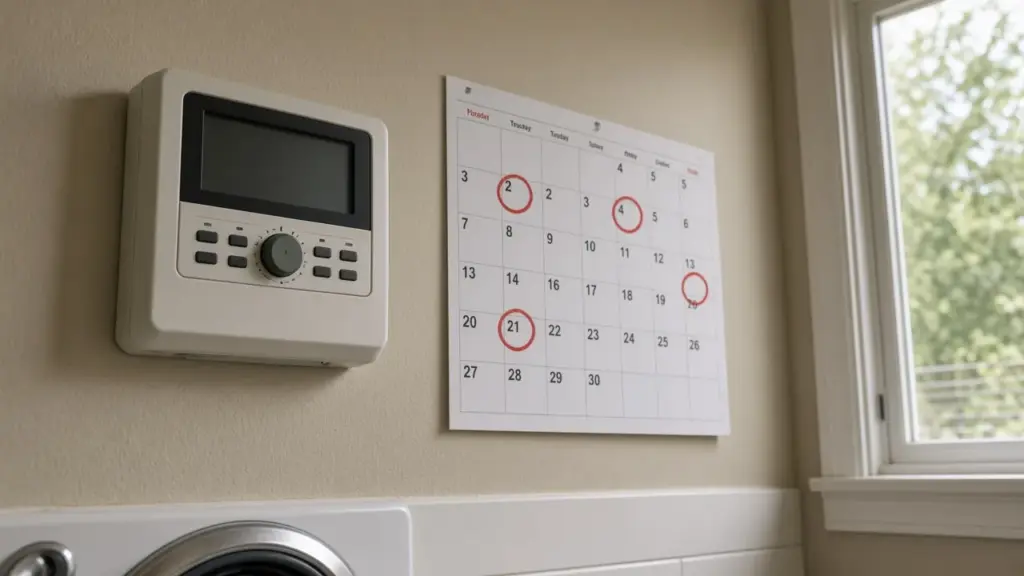
You wake up on a Tuesday to the sound of sprinklers, even though your Dallas watering days are Wednesday and Saturday. Or a neighbor mentions that your system ran on Sunday afternoon. Watering on the wrong day wastes water, can put you out of step with city rules, and often means the lawn is getting watered more than you intended.
The good news is that wrong-day watering almost always comes down to a handful of controller settings. This guide explains the common causes and how to fix each one.
Know Your Correct Days
Dallas assigns watering days by the last digit of your address:
- Addresses ending in 0, 2, 4, 6, or 8: Sundays and Thursdays
- Addresses ending in 1, 3, 5, 7, or 9: Wednesdays and Saturdays
Automatic sprinklers and hose-end sprinklers are limited to those two days, and sprinkler watering is prohibited between 10 a.m. and 6 p.m. year-round. Our guide to even and odd address watering days explains the details.
Cause 1: The Day or Date Is Wrong
If the controller thinks it is Wednesday when it is actually Tuesday, it will water on the wrong day every week. This often happens after a power outage when a backup battery is dead, or when a controller was set up quickly and never corrected.
Fix: Set the correct day, date, and time. Replace the backup battery if your model uses one.
Cause 2: AM and PM Are Swapped
A start time of 5:00 set as PM instead of AM will run in the evening. If the clock itself is set to the wrong half of the day, every start time shifts by 12 hours, which can move watering across midnight and onto the next day.
Fix: Check that both the clock and each start time use the correct AM or PM.
Cause 3: A Forgotten Program
Most controllers support several programs, often labeled A, B, and C. Each program has its own watering days and start times. An old program set up years ago, perhaps for new sod or a garden, may still be active with different days.
Fix: Review every program. Remove start times from programs you do not use, or set their days to match your assigned days.
Cause 4: Interval or Odd/Even Mode
Some controllers can water every few days (interval mode) or on odd or even calendar dates. Those modes do not match the Dallas day-of-week schedule. An interval of every three days, for example, drifts across the week. Odd/even calendar dates are not the same as odd/even addresses.
Fix: Use the day-of-week mode and select your two assigned days.
Cause 5: Extra Start Times
A start time assigned to a program triggers the whole program. Some controllers have default start times that remain unless cleared. Multiple start times can make a program run several times on the same day, and a late start time can carry watering past midnight.
Fix: Review start times for every program and clear any you do not need. Our guide to programming a controller for Dallas’s schedule walks through programs and start times.
Cause 6: Smart Controller Schedule Settings
Smart controllers can water based on calculated soil moisture rather than fixed days. If the schedule is not restricted to your assigned days, the controller may choose other days.
Fix: Set watering restrictions in the app or use a fixed schedule on your assigned days. Our guide to Rachio smart controller setup covers one popular model.
Cause 7: Manual Runs and Tests
Someone may have started a manual cycle, or a technician may have tested zones. Some controllers also have a program-run feature that is easy to trigger accidentally.
Fix: Ask household members, check the controller’s history if it has one, and make sure no manual program is queued.
Cause 8: A Valve Stuck Open
If one zone runs on its own even when the controller is off, the problem is not the schedule. A valve stuck open because of debris, a torn diaphragm, or a stuck solenoid will keep watering. Our guide to a zone that will not turn off explains the fix.
Cause 9: A Failing Controller
A controller that loses time, scrambles programs, or runs erratically may be failing, particularly after lightning or power surges. If it will not hold correct settings with a fresh battery, it may be time to replace it. Our guide to irrigation controller repair and upgrades covers the options.
A Quick Audit
Take ten minutes to audit your controller:
- Confirm the day, date, and time, including AM or PM
- Look through every program for watering days and start times
- Remove unused programs and start times
- Confirm day-of-week mode with your two assigned days
- Check that the last cycle ends before 10 a.m.
- Test the rain and freeze sensor
- Photograph the final settings for future reference
Why It Matters
Watering on extra days adds up quickly over a season. It also encourages shallow roots and fungal problems, and it can mean the lawn gets far more water than it needs. Getting the schedule right is one of the simplest ways to save water and improve lawn health.
Keep a Record
After fixing your settings, write them down or take photos and keep them near the controller. If settings are lost after a power outage, you can restore them quickly without guessing.
Two Programs Sharing Days
A common setup that works well in Dallas uses two programs on the same two assigned days: one for spray and rotor zones and one for drip. Drip zones can run on other days under Dallas rules, but many homeowners keep them on the same days for simplicity. If you do separate drip onto its own days, make sure spray and rotor zones are not accidentally included in that program.
After Daylight Saving Time Changes
Most controllers do not adjust automatically for daylight saving time. After the clocks change in spring or fall, check your controller’s clock. An hour’s drift can push the last cycle past 10 a.m. or move an early cycle into the previous day on some models.
Multiple Controllers on One Property
Larger properties sometimes have two controllers, one for the front yard and one for the back, or an older controller left in place when a new one was installed. If watering happens on the wrong day and your main controller looks correct, walk the property and the garage for a second controller. Both need the same day settings, and both need a working rain and freeze sensor.
Seasonal Adjustment Is Not a Schedule Change
Many controllers have a seasonal adjustment or water budget percentage. It changes run times, not watering days. If you lowered the percentage in fall but the system still runs on the wrong days, the problem is in the day settings or start times, not the seasonal adjustment.
Frequently Asked Questions
Why is my sprinkler running on the wrong day?
Common causes include an incorrect day or date, swapped AM and PM, an old program with different days, interval or odd/even date mode, or extra start times.
What days can I water in Dallas?
Addresses ending in an even number water on Sundays and Thursdays; odd addresses water on Wednesdays and Saturdays.
Why does my system water twice in one day?
Usually multiple start times on a program, or two programs that both include the same zones.
What if a zone runs even when the controller is off?
A valve is likely stuck open. Shut off the irrigation supply and repair the valve.
Get Help Fixing Your Schedule
We audit controllers, correct schedules, and repair valves that run on their own. See our sprinkler repair service, or contact us to schedule.
Request Service or call 214-227-7444
We serve homes throughout Dallas and nearby North Texas communities.