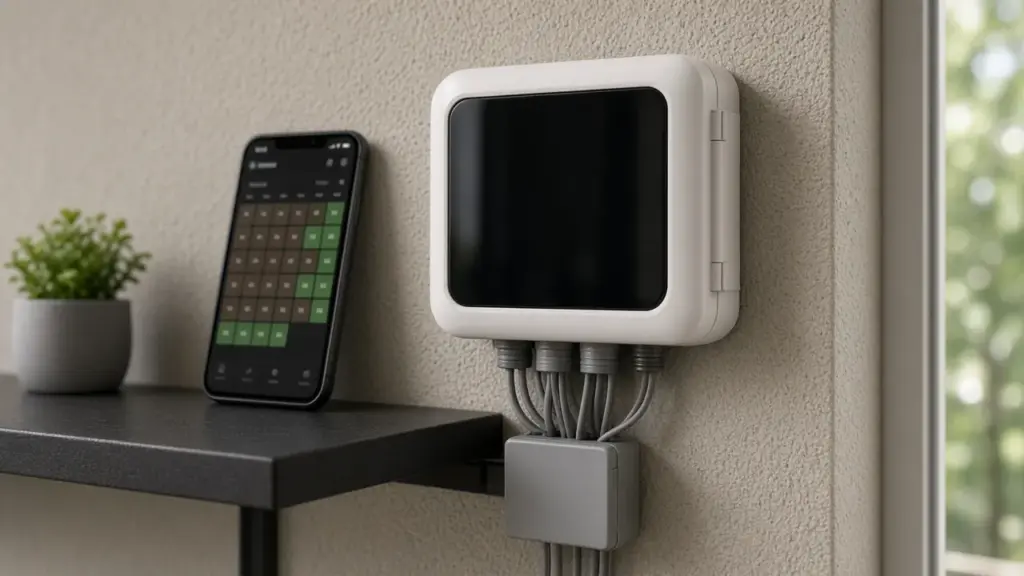
Smart controllers like the Rachio have become popular in Dallas homes. They connect to Wi-Fi, run from a phone app, and can skip watering based on weather. Used well, a smart controller saves water and keeps your lawn healthier. Used with default settings, it can water on the wrong days, run into restricted hours, or apply water faster than Dallas clay can absorb.
This guide walks through setting up a Rachio for Dallas rules and conditions. App menus change over time, so use Rachio’s current help resources for exact steps, and the City of Dallas as the official source for watering rules.
Know the Rules First
Before you set anything, know what Dallas allows:
- Twice weekly maximum for automatic irrigation and hose-end sprinklers, on days assigned by the last digit of your address. Addresses ending in 0, 2, 4, 6, or 8 water on Sundays and Thursdays. Addresses ending in 1, 3, 5, 7, or 9 water on Wednesdays and Saturdays.
- No sprinkler watering between 10 a.m. and 6 p.m. on any day of the year, including your watering days.
- Rain and freeze sensors are required on automatic systems.
- Hand watering, soaker hoses, and drip irrigation are allowed any day and time.
Our guide to even and odd address watering days and our article on the year-round watering ban explain the details.
Step 1: Set Up Zones Accurately
The app asks for details about each zone. These details drive how the controller calculates run times, so take the time to get them right.
- Name each zone clearly, such as Front Lawn Sun or Back Beds Drip.
- Choose the plant type: grass type for lawns, shrubs, perennials, or trees for beds.
- Choose the soil type. Most of Dallas has clay. If you are unsure, choose clay.
- Choose the nozzle or emitter type. Fixed spray, rotor, rotary nozzle, or drip. This affects how fast water is applied.
- Set sun exposure for each zone.
- Set slope if the zone is on a slope.
Accurate zone settings matter more than any other part of setup.
Step 2: Choose a Schedule Type
Smart controllers usually offer schedule types that either water on fixed days or water when calculations suggest the soil needs it.
For Dallas, a fixed schedule on your assigned days is the most straightforward way to stay compliant. Set the schedule to your two assigned days only.
If you prefer a schedule that waters based on soil moisture estimates, make sure it is restricted to your assigned days. If you cannot restrict it to those days, use a fixed schedule instead.
Step 3: Set Start Times Before 10 a.m.
Set the schedule to start early enough to finish before 10 a.m. Some schedules let you set an end time, which calculates the start based on total run time. That is useful for Dallas, since you want watering complete by 10 a.m.
If your zones take a long time in total, consider splitting them across two schedules on the same day, with some zones in the early morning and some after 6 p.m., though early morning is usually better.
Step 4: Use Cycle and Soak
Dallas clay absorbs water slowly. Smart controllers often offer a cycle and soak option that splits each zone’s run time into shorter cycles with soak periods. Turn it on for spray zones especially. It reduces runoff and puts more water into the root zone.
Step 5: Configure Weather Features
Weather-based features can skip watering when rain, freezing temperatures, or high winds are expected or have occurred. These features save water, but remember:
- Dallas requires rain and freeze sensors. Some smart controllers use weather data in place of a physical sensor, while others support a wired sensor as well. Make sure your setup meets the city’s requirements.
- Weather station choice matters. Choose a nearby station that reflects your conditions.
- Freeze skip helps prevent ice on sidewalks and streets.
Our guide to rain and freeze sensors covers the requirement.
Step 6: Adjust Seasonally
Smart schedules adjust with weather, but check the results. Watch your lawn in each season. If areas look soggy in spring or stressed in summer, adjust zone settings or run times. Many apps allow a seasonal adjustment or manual override.
Step 7: Keep Drip and Foundation Zones Separate
Drip zones for beds and foundations can run any day under Dallas rules. If you want to use that flexibility, put drip zones on their own schedule. Keep spray and rotor zones on your assigned days.
Common Setup Mistakes
- Leaving soil type on the default. Clay needs different settings than loam.
- Choosing the wrong nozzle type. Overwatering or underwatering results.
- Allowing any-day watering for spray zones. Violates the twice-weekly limit.
- Start times that run past 10 a.m. Check total run times.
- Ignoring coverage problems. A smart controller cannot fix broken or misaligned heads.
Installation Tips
- Mount indoors or in a protected location with Wi-Fi coverage.
- Label wires from the old controller before disconnecting.
- Connect the common wire and each station wire.
- Connect the rain sensor if you have a wired sensor.
- If your system uses a master valve or pump start relay, set that up.
Our guide to controller repair and upgrades covers installation considerations, and our Hunter Pro-C and X2 troubleshooting guide helps if you are replacing one of those models.
When a Smart Controller Is Not Enough
A smart controller schedules water well, but it cannot fix leaks, broken heads, sunken heads, or mixed head types on one zone. Before upgrading, have your system checked. Fixing coverage first lets the controller do its job.
Checking Wi-Fi and Connectivity
A smart controller that loses its Wi-Fi connection may keep running its last schedule but cannot receive weather updates or app changes. Place the controller where the signal is reliable, or add a Wi-Fi extender. Check the app occasionally to confirm the controller is online, especially after router changes or power outages.
Reviewing Watering History
One advantage of a smart controller is the history log. Use it. After the first few weeks, check which days the system watered, how long each zone ran, and which cycles were skipped for weather. Compare that with the lawn’s appearance. If the log shows watering on a day outside your assigned schedule, fix the schedule immediately. If zones consistently run long enough to push past 10 a.m., shorten run times or shift some zones to evening.
Frequently Asked Questions
Can a Rachio follow Dallas watering days?
Yes, when set to a schedule restricted to your assigned days. A fixed schedule on those days is the simplest approach.
Does a Rachio replace a rain sensor in Dallas?
Weather features can skip watering, but make sure your setup meets Dallas’s rain and freeze sensor requirement.
What soil type should I choose in Dallas?
Most of Dallas has clay soil. If unsure, choose clay.
Should I use cycle and soak with a Rachio?
Yes, especially for spray zones on clay, to reduce runoff.
Get Help Setting Up a Smart Controller
We install and configure smart controllers and fix the system issues they cannot. See our sprinkler repair service, or contact us to schedule.
Request Service or call 214-227-7444
We serve homes throughout Dallas and nearby North Texas communities.