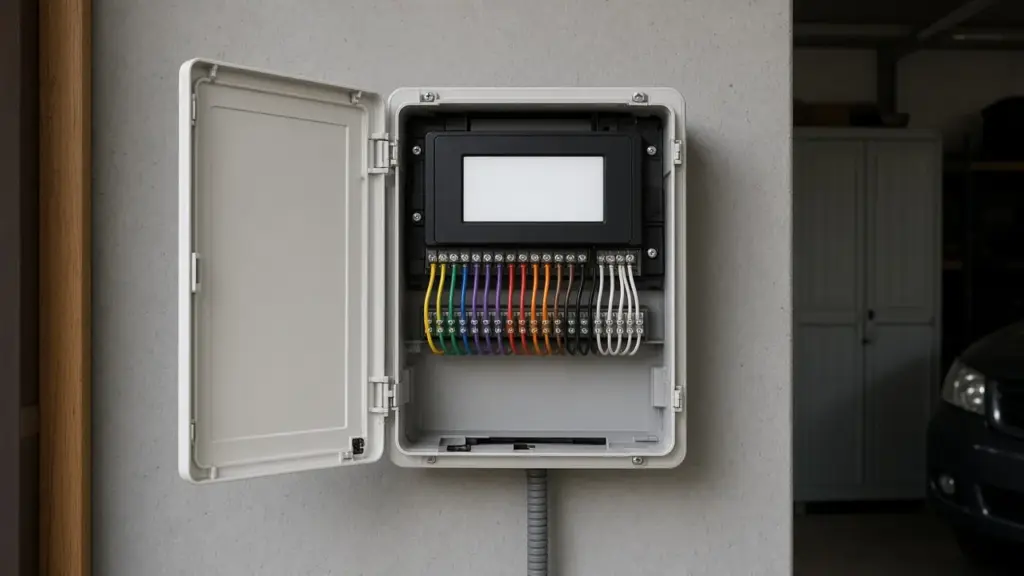
Hunter controllers are among the most common irrigation timers in Dallas homes. The Pro-C, a modular controller that can be expanded with extra station modules, and the X2, a popular residential model, both use a dial-and-button interface that many homeowners find straightforward. Even so, questions come up: the screen goes blank, a zone does not run, the rain sensor seems stuck, or the system waters at odd times.
This guide walks through practical troubleshooting for both models. Menus and messages can vary by version, so keep your owner’s manual handy. Hunter publishes manuals online if yours is missing.
Before You Start
- Note your current settings. Take photos of each program’s start times, run times, and watering days before changing anything.
- Know your watering days. Dallas limits automatic irrigation to two assigned days per week based on your address, and prohibits sprinkler watering between 10 a.m. and 6 p.m. year-round. Our guide to even and odd address watering days explains the assignments.
- Check the basics. Many “controller problems” turn out to be a tripped outlet or a switched sensor.
Problem: Blank or Frozen Display
- Check power. Confirm the outlet works and has not tripped a GFCI. Check the breaker. Plug-in models use a transformer; hardwired models are connected inside the cabinet.
- Look for a no-power message. Some models display a message indicating AC power is missing.
- Check the transformer connections inside the controller for loose wires.
- Reset if needed. Both controllers have a reset procedure described in the manual. A reset may clear the program, so have your photos ready.
Problem: One Zone Will Not Run
If other zones work and one does not, the controller is usually fine. The problem is usually the wire, the solenoid, or the valve.
- Run the zone manually from the controller.
- Watch for an error message. Hunter controllers commonly display an error indicator when they detect a fault on a station, often a shorted wire or solenoid.
- Check the wire terminal for that station. Make sure the wire is seated and not corroded.
- Test the solenoid with a multimeter if you have one. A reading far outside the typical range can indicate a bad solenoid or damaged wire.
- Check the valve. Open the valve box and try the manual bleed to see whether the valve opens. If it opens with manual bleed but not from the controller, the issue is electrical.
Our step-by-step guide to a zone that will not turn on covers valve and wiring checks in more depth.
Problem: No Zones Run
- Check the sensor switch. Both models have a way to set the rain sensor to active or bypass. If the sensor is active and wet or faulty, it will prevent watering.
- Check the dial position. The dial should be in the Run or Auto position for automatic watering.
- Check the season adjust. If seasonal adjust is set very low, run times may be tiny.
- Check the program. Confirm start times and watering days are set.
- Check the common wire and master valve. A broken common wire affects every zone.
Problem: Rain Sensor Seems Stuck
Dallas requires rain and freeze sensors on automatic irrigation systems. If your sensor keeps the system off long after rain has stopped, the sensor may be set too sensitively, its disks may be slow to dry, or it may be faulty. Do not leave the sensor bypassed permanently. Repair or replace it instead.
Problem: Watering at the Wrong Times
- Check the clock and date. A wrong clock or AM/PM setting shifts every start time.
- Check for extra start times. Each program can have several start times. A start time on one program triggers the whole program.
- Check all programs. Both models support multiple programs, commonly labeled A, B, and C. An old program with days you did not intend can water on the wrong days.
- Check the day schedule. Make sure the days match your assigned Dallas watering days.
Our guide to programming a controller for the Dallas schedule covers start times and programs in depth.
Problem: Zones Run Twice or Overlap
This usually happens when more than one start time is set, or when two programs share zones. It can also happen when programs overlap in time. Hunter controllers generally run programs one after another rather than simultaneously, but overlapping start times can push watering past 10 a.m. Review each program’s start times and total run time.
Problem: Pro-C Modules Not Recognized
The Pro-C uses station modules to add zones. If stations on a module do not appear or do not run:
- Make sure the module is fully seated
- Power down, reseat the module, and power up
- Check the manual for the correct module type
Problem: Lost Program After a Power Outage
Many modern controllers keep programs in memory during outages, while the clock may rely on a small battery. If the time is wrong after an outage, replace the battery as described in the manual and reset the clock.
Using Cycle and Soak
Dallas clay absorbs water slowly. Using several short start times instead of one long run helps water soak in. Some Hunter models include a dedicated cycle and soak feature; on others, use multiple start times. Make sure the last cycle finishes before 10 a.m.
When to Upgrade
Consider replacing a controller if:
- It will not hold a program even with a fresh battery
- The display is damaged or unreadable
- Multiple stations fail and the wiring tests fine
- You want smart features like weather-based adjustment or app control
Hunter offers Wi-Fi-capable controllers and add-ons. Our guide to controller repair and upgrades compares options, and our Rain Bird ESP-TM2 setup tips cover another common controller.
Surge and Moisture Damage
Controllers mounted outdoors or in damp garages can suffer moisture damage. Lightning and power surges can also damage the controller or station outputs. Signs include burned terminals, erratic behavior, or stations that no longer respond. Keep the cabinet closed, and consider surge protection.
A Quick Troubleshooting Order
When something goes wrong, work through these checks in order. They catch the majority of problems quickly:
- Power and outlet
- Dial position and sensor switch
- Clock, date, and AM/PM
- Programs, start times, and watering days
- Seasonal adjust percentage
- Station wire connections
- Solenoid and valve at the field
Working from the controller outward avoids unnecessary digging.
Frequently Asked Questions
Why is my Hunter controller screen blank?
Usually a power issue: a tripped GFCI outlet, a breaker, or a loose transformer connection. Check power before assuming the controller failed.
Why does my Hunter controller show an error on one station?
It usually indicates an electrical fault on that station, such as a shorted wire or solenoid. Check the wire and solenoid.
Why are none of my zones running?
Check the sensor setting, dial position, seasonal adjust, program settings, and the common wire.
Can I bypass the rain sensor?
Temporarily for testing, but Dallas requires a working rain and freeze sensor, so repair or replace a faulty one.
Get Controller Help
We troubleshoot and repair Hunter, Rain Bird, and other controllers, and trace the wiring and valves they control. See our sprinkler repair service, or contact us to schedule.
Request Service or call 214-227-7444
We serve homes throughout Dallas and nearby North Texas communities.